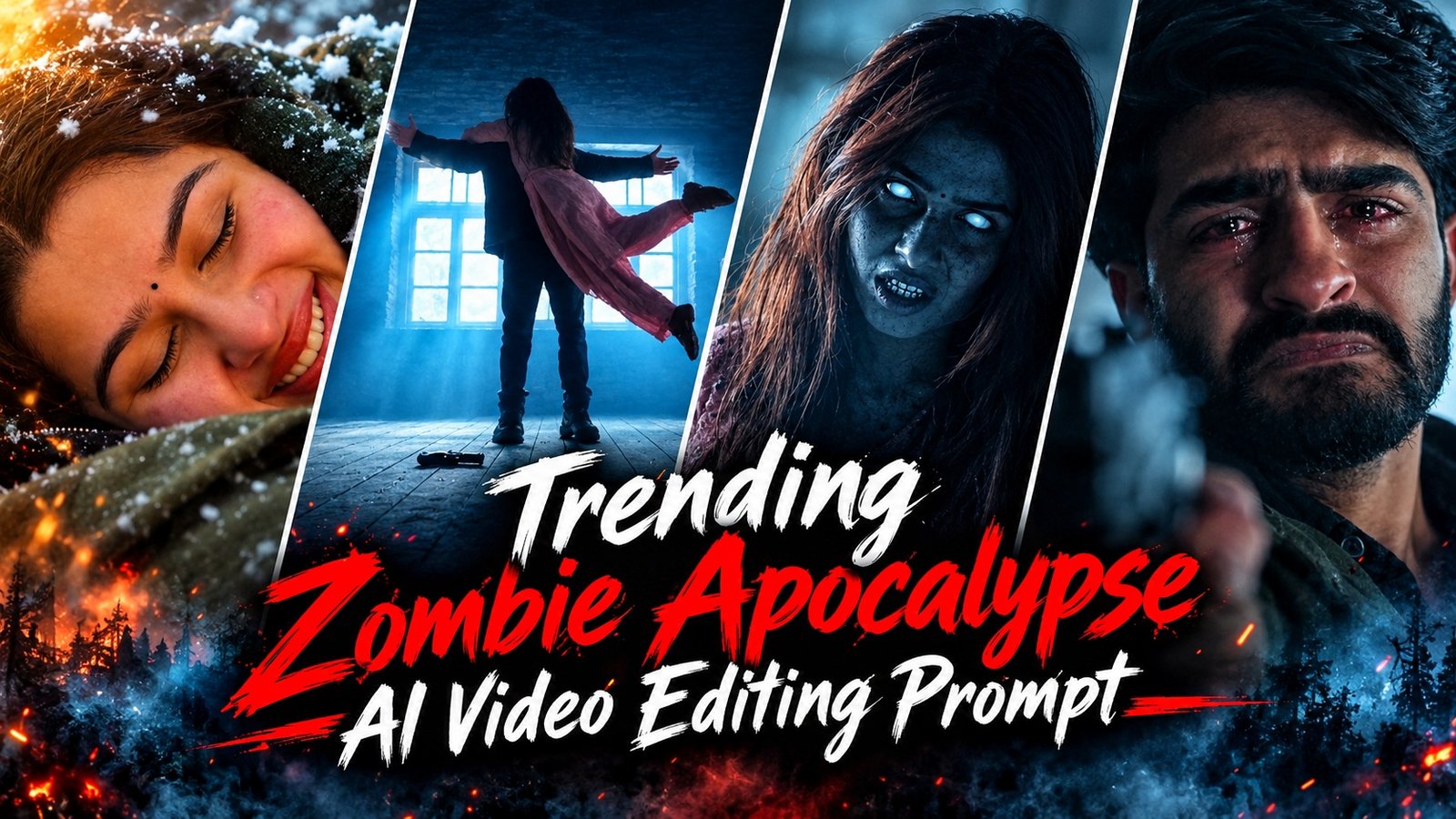
Friends, AI videos of the “Zombie Apocalypse” are becoming viral on social media. This editing approach converts a common snapshot into a fascinating drama. Snowy landscapes, dread of zombies, sentimental and loving recollections. If you want to make a video like this, with images of yourself and your spouse, this post will teach you a simple way to do it with Google Flow and AI prompts.
Details Of Trending Zombie Apocalypse AI Video Editing Prompt
This AI film is a one of a kind story, it has a creepy atmosphere and emotional moments. In the video, someone is upset when they witness their companion turned into a zombie in a snowy environment. Shortly after, the scene changes and the two are seen joyfully reconnecting in a lovely snowy backdrop. What makes these kind of videos unique is its cinematic approach and sudden change of scenes. If you also want to generate creative videos like these from your images, let’s see how to apply the correct AI tools and cues to make them.
How To Use Zombie Apocalypse AI Video Prompt
Upload the photographs you need to Google Flow to make a zombie apocalypse AI film. Next, copy the prompt below, put it in the tool and generate the movie following the directions. When the film is ready, go through all the scenes and save it on your device if you are happy with the result. You are able to make an AI video from your own images with a frightening and emotional plot. The prompt need to create the video is below.

Strict facial consistency for both characters throughout. In a dark stone cabin, a crying bearded man drops his handgun as a terrifying woman in pink with glowing white eyes rushes toward him. He catches her in a dramatic mid-air embrace, seamlessly transitioning into a beautiful snowy mountain at golden-hour sunset. Her supernatural appearance transforms into her normal human look while preserving her exact facial identity. They fall playfully into the snow, share a peaceful smiling close-up as snowflakes fall, then hold hands and run toward the glowing sunset. Cinematic realism, smooth transitions, emotional storytelling, natural movements, consistent faces, 4K quality.
How To Create Zombie Apocalypse AI Video
Want to build films out of viral zombie stories on social media? AI does the heavy lifting. 1. Head over to Google Flow and choose an image that will help tell your tale. Then put the different situations into videos with the right suggestions. Add directives for same appearance and same people for all scenarios for more realistic outcomes. After all parts are completed, merge them and save the final video how you choose.
How To Make Realistic Zombie AI Videos
Make realistic zombie videos with AI by giving a detailed prompt on visual details of zombies, what they are doing, the ruined city behind them and the terrible atmosphere. Now you may use this command in any AI movie making program to make film according to your imagination. For best results try to make your prompt about realistic movements, dramatic camera angles, natural light and fine details. This allows you to create super genuine zombie apocalypse videos using AI, without shooting with a camera.
Conclusion
If you want to turn images of you and your lover into a one-of-a-kind horror video, a “zombie apocalypse” AI video would be a good choice. AI allows you to tell a story of mass destruction that ends with a one-of-a-kind emotional scene. Choose your photos to make a film and use those photos as reference images in Google Flow, following the prompt instructions. This way you may make a movie from your regular images. It’s interesting and cinematic.