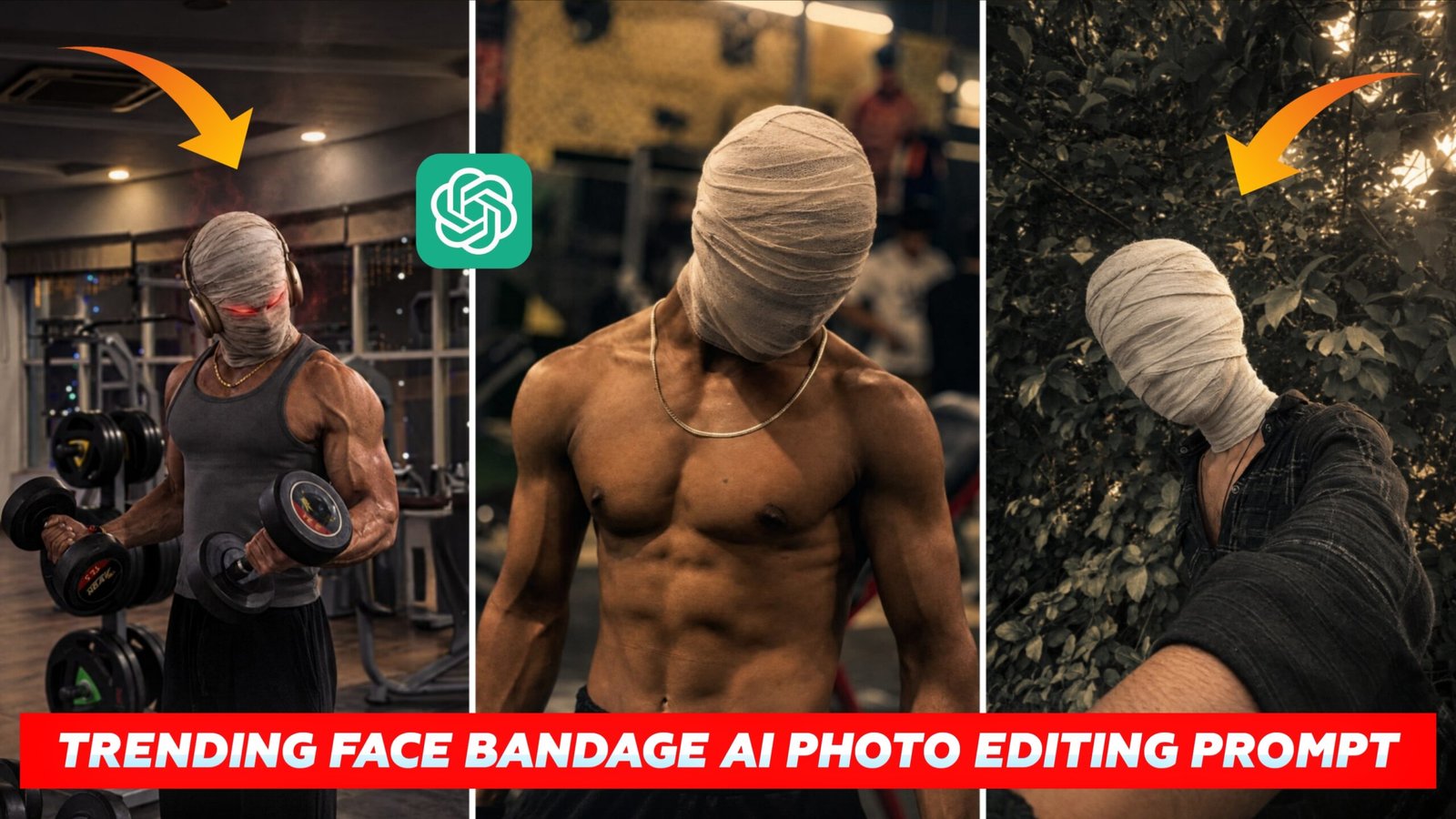
Trending Face Bandage AI Photo Editing Prompt – Friends, these days the trend of AI photo editing is growing up fast on Instagram. People are uploading their typical pictures and then using AI to transform them into all kinds of creative styles. And they are sharing it on social media. AI Photo Editor for Face Bandages These days, “editing” is also the new trend, giving basic photos a special touch with a bandage. If you want to get such a fashionable dramatic effect from your photographs, then today this article is for you. Here we will tell you which AI tool to use and how to generate such images with the correct prompt.
Details Trending Face Bandage AI Photo Editing Prompt
Sometimes you don’t need much editing to make an average picture spectacular. With the help of AI you may give that identical shot a fresh and mysterious aspect. The ‘Face Bandage’ edit wraps the face and head in bandages, providing a dark, cinematic feel to the photo, making the entire image look dramatically different. If you want to produce a similar effect of creative bandages to your images, you can do it quickly with the AI tool and prompt below in this article.
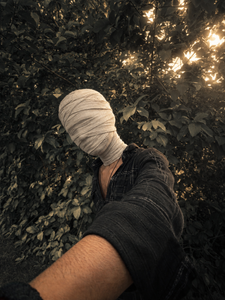
Create an ultra-realistic cinematic portrait using the uploaded photo as the exact reference. Preserve body proportions, pose, posture, hands, arms, clothing, accessories, camera angle, composition and framing unchanged. Completely wrap the entire head and face in thick, opaque off-white cotton bandages with overlapping layers. Fully cover hair, forehead, eyes, eyebrows, nose, cheeks, mouth, jawline, chin and ears. No facial features, skin, gaps, openings or recognizable face shape should be visible. Keep the original background unchanged. Apply a dark moody cinematic color grade in the photo, deep shadows, subtle warm highlights, atmospheric haze, natural HDR, contrast and film grain
Create Trending Face Bandage AI Photo Editing
Use a clear, decent quality photo for this edit. Ensure that your face and upper body are clearly visible so the artificial intelligence can recognise your features and place you accordingly. No blurry or poor quality photographs. Upload this photo to ChatGPT or Google Gemini and give the right prompt for the “Face Bandage AI Photo”. The prompt will have instructions on the bandage, costume, background, lighting and cinematic look. When the image is ready, look at it carefully. Make facial characteristics, bandage detail, hands, clothing, lighting and environment look natural.
Share Your Realistic Face Bandage AI Photo
When your Face Bandage AI photo is ready, have a good look at it before sharing it instantly. Zoom in and scrutinise the face, bandage, hands, clothing and background for any area which looks odd or unnatural. If you like the result, you may post it on Instagram, Facebook, WhatsApp Status, or any other social media network. You may also try alternative camera angles, backgrounds, and lighting in new versions of your images to make your photos even more appealing. This method you may make numerous unique and spectacular “Face Bandage AI Edits” from a single photo.
Final Words
Thanks to AI picture editing, many fresh and innovative photo styles are growing nowadays. There’s one called “Face Bandage AI Photo Editing” which takes an everyday shot and makes it mysterious and theatrical. Such a shot can be produced with AI technologies such as ChatGPT or Google Gemini. Upload your photo, enter the right prompt and create fresh background, attire and lighting, with a genuine bandage effect on the face. You can play with other styles . You can make a whole bunch of unique ones .